A fresh look. The same Northern Savings.
Check out our new look.
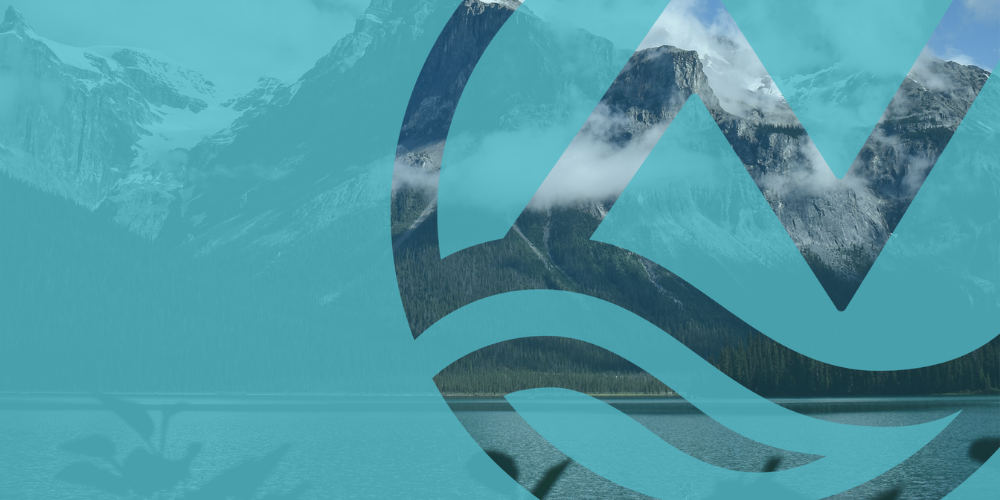
We are refreshing our logo.
As Northern Savings continues to grow, we're refreshing our logo to better reflect who we are today and where we're headed tomorrow.
The updated design maintains our strong community roots while improving clarity and usability across digital, mobile, and print platforms, ensuring a consistent experience wherever members connect with us.
What to expect.
Our APP is updating!
Our app will be updated on Tuesday, October 27, with our new logo!
Please note, a mandatory app update will take effect on Thursday, October 29. Any member who has not updated the app by then will no longer be able to access it until the update is completed on their device.
To avoid any interruption in service, we encourage all members to update the app to the new version as soon as it becomes available.
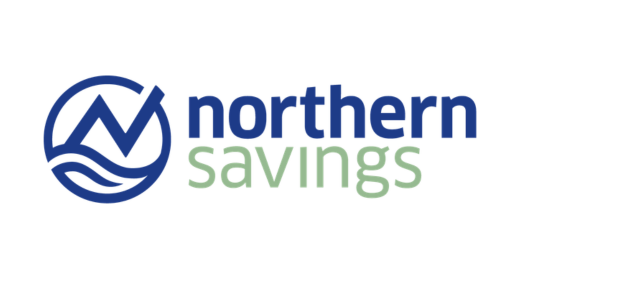
Our logo transition begins October 27
Beginning October 27, you'll start to see our refreshed logo. We're introducing our new look gradually, so you may notice both our current and new logos during the transition.
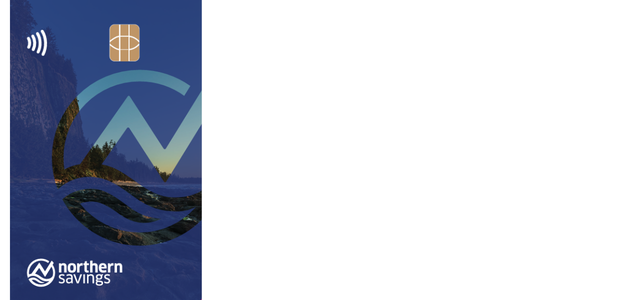
MemberCard / Debit Card
Starting in 2027, we will begin the roll out our new MemberCard / Debit Card. The new look features a fresh, modern layout and more inclusive design.

Do I need to do anything?
You don't need to take any action. Your accounts, banking, insurance, and financial services will remain exactly the same. As we roll out our refreshed brand, you'll begin to see our new look appear in our branches, on our cards, across our digital channels, and in our communications. During the transition, you may see both our current and new logos.
Be fraud aware.
As we introduce our new logo, it's important to stay cautious. Unfortunately, scammers sometimes try to take advantage of changes like these. Be wary of anyone who:
- Sends emails or messages about our new logo that seem suspicious
- Directs you to unfamiliar websites or login pages
- Claims you need to verify your account or update your password because of the change
- Requests personal or banking information
When in doubt, contact Northern Savings directly using the information on our official website.